First appliance snapshot
Photograph the front and accessible label without moving the appliance or removing a cover. A useful photo answers many questions.

Stove Care commercial kitchen services. Share equipment models, location and operating requirements to discuss maintenance on 19224.
A restaurant, hotel and bakery have different requirements. Start with an equipment list, model numbers, operating hours and current faults, then discuss the scope of inspection and maintenance.
Send equipment labels, an equipment list and your address.
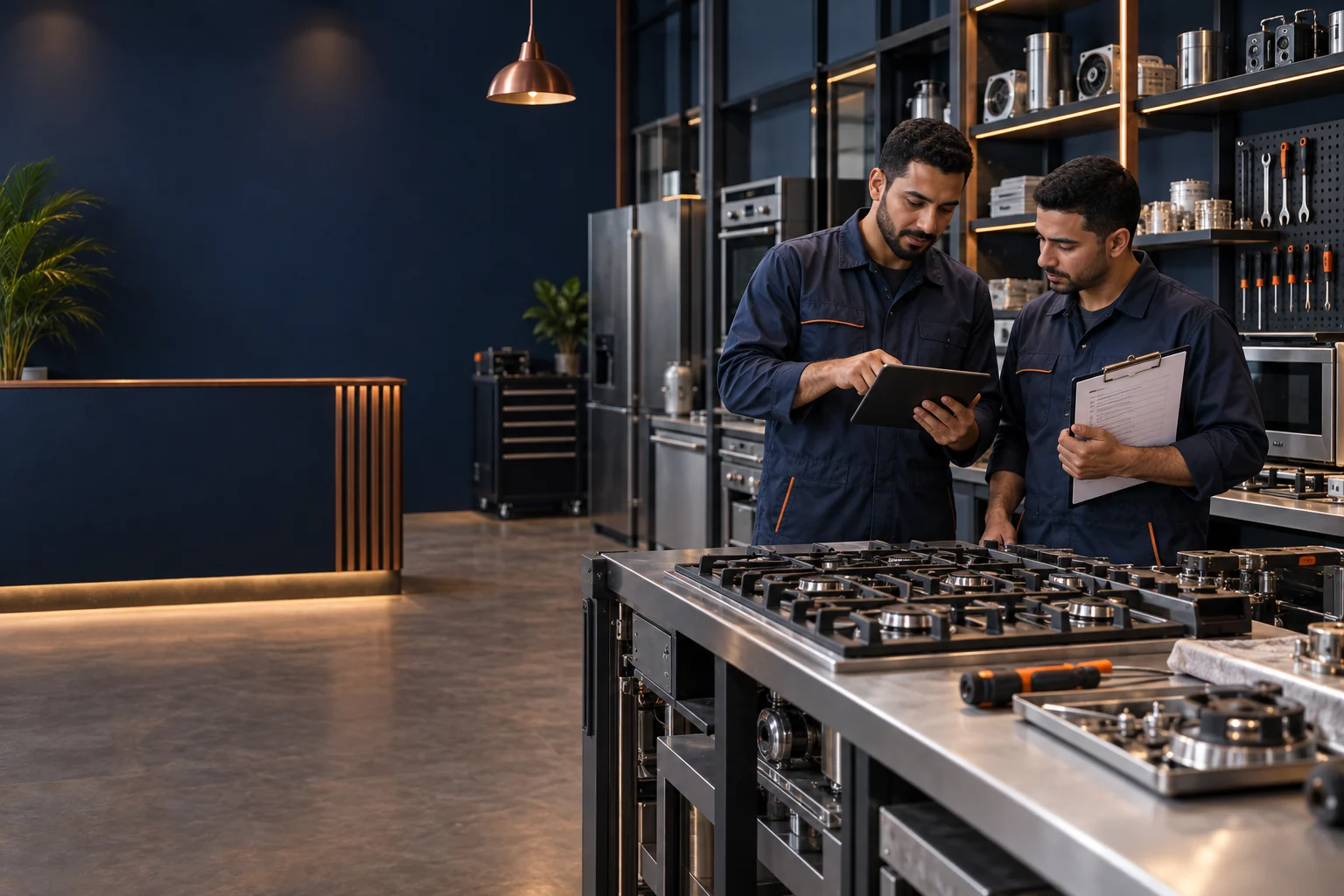
An equipment list, operating hours, contact person and access details prevent unplanned visits and help set priorities.
Equipment-specific planning and service enquiries.
Explore02Equipment-specific planning and service enquiries.
Explore03Equipment-specific planning and service enquiries.
Explore04Equipment-specific planning and service enquiries.
Explore05Equipment-specific planning and service enquiries.
Explore06Equipment-specific planning and service enquiries.
Explore07Equipment-specific planning and service enquiries.
Explore08Equipment-specific planning and service enquiries.
Explore09Equipment-specific planning and service enquiries.
Explore10Equipment-specific planning and service enquiries.
Explore11Equipment-specific planning and service enquiries.
Explore| Item | Details to agree |
|---|---|
| Visits | Frequency, schedule and included equipment. |
| Scope | Inspection, cleaning and work requiring a separate quote. |
| Parts | Approval, source and warranty for components. |
| Follow-up | Record completed work and report recurring faults. |
The best service request is not the longest. It identifies appliance type, model, symptom and location, then leaves diagnosis to inspection.
If there is a gas or burning smell, sparking or damaged glass, stop use and move away from the hazard. Do not remove connections or covers to reach the cause.
عدد مرات الاستخدام ونوع أواني الطهي وطريقة التنظيف تفاصيل مهمة، لكنها لا تغني عن فحص مصدر المشكلة.
Arrange the information this way before calling or messaging. Each card turns a general observation into a useful inspection detail.
Photograph the front and accessible label without moving the appliance or removing a cover. A useful photo answers many questions.
Answer: Is one function affected, or the whole appliance? Is there a clear photo of the front and accessible model label? Keep it to two clear lines rather than guessing a cause.
Before repair, review the symptom being addressed, the repair or replacement option, price and warranty.
Keep a photo of the label and model number with the purchase or warranty records; it reduces guesswork in follow-up. Run the affected function only after the technician explains safe use and what to monitor.
You do not need to know the technical cause. Prepare these details and let the professional verify the model and condition.
Recent installation, cleaning, repair or power cut; useful context, not proof of cause.
A photo of the accessible label or number on the front, without removing anything.
Ignition, heating, fan, extraction, display or door. Name the function rather than only the appliance.
At start-up, after heating, at a certain speed or after cleaning. Timing changes the inspection questions.
Keep a photo of a displayed code or affected area instead of recalling an approximate description.
State whether it is built-in, behind cabinetry or in a location requiring access arrangements.
Photos and descriptions help prepare a visit, but do not prove a fault cause or required component. Do not use general content or another appliance experience to select a part.
The following separates helpful details from assumptions. There is no single answer for every model, so inspection and a clear work proposal remain the basis for a decision.
| Situation | Information that supports the decision |
|---|---|
| A display code or electrical trip | Photograph the code and avoid repeated resets or breaker cycling. It needs to be assessed with the appliance model and condition. |
| A change after cleaning or moving | Report the timing accurately. It can guide inspection, but it does not justify dismantling connections at home. |
| A built-in appliance | Review ventilation, access and mounting before trying to move or remove it. |
| A display code or electrical trip | Photograph the code and avoid repeated resets or breaker cycling. It needs to be assessed with the appliance model and condition. |
This table does not set an appointment or price automatically. It helps you reach an organized call and a clear service proposal.
| Visit stage | What should you prepare or ask? |
|---|---|
| Before contact | Gather accessible details and photos; identify the address and access conditions. |
| When explaining the issue | Describe the symptom, timing and affected function without assuming a cause or part. |
| Before booking | Confirm service availability, timing and diagnosis or travel fees in your area. |
| Before work starts | Review inspection findings, repair or replacement option, price and warranty. |
| After completion | Check the affected function with the technician and retain work and part details. |
The goal is not to test every function randomly. It is to check the symptom that prompted service and understand what to monitor afterwards.
Send the brand, model and fault description to discuss your service visit.